
Cover your assets: five things to protect in twenty minutes
Your website matters. So do these five, and almost nobody checks them.
approx 5 minute read
Two huge companies, one very simple trick
Between 2013 and 2015, Google and Facebook paid out $122 million to one man sending invoices from a company he had invented.
Nobody went near either website.
That is the whole point of this article. Two of the best defended companies on earth, and the way in was an email address that looked close enough.
Your website is one door into your business. It matters, and we have written plenty about keeping everything up to date.
But it is one door.
Your business has several others, and most of them have never had so much as a glance. They are not exciting. There is no industry selling you fear about them. Which is exactly why they get missed.
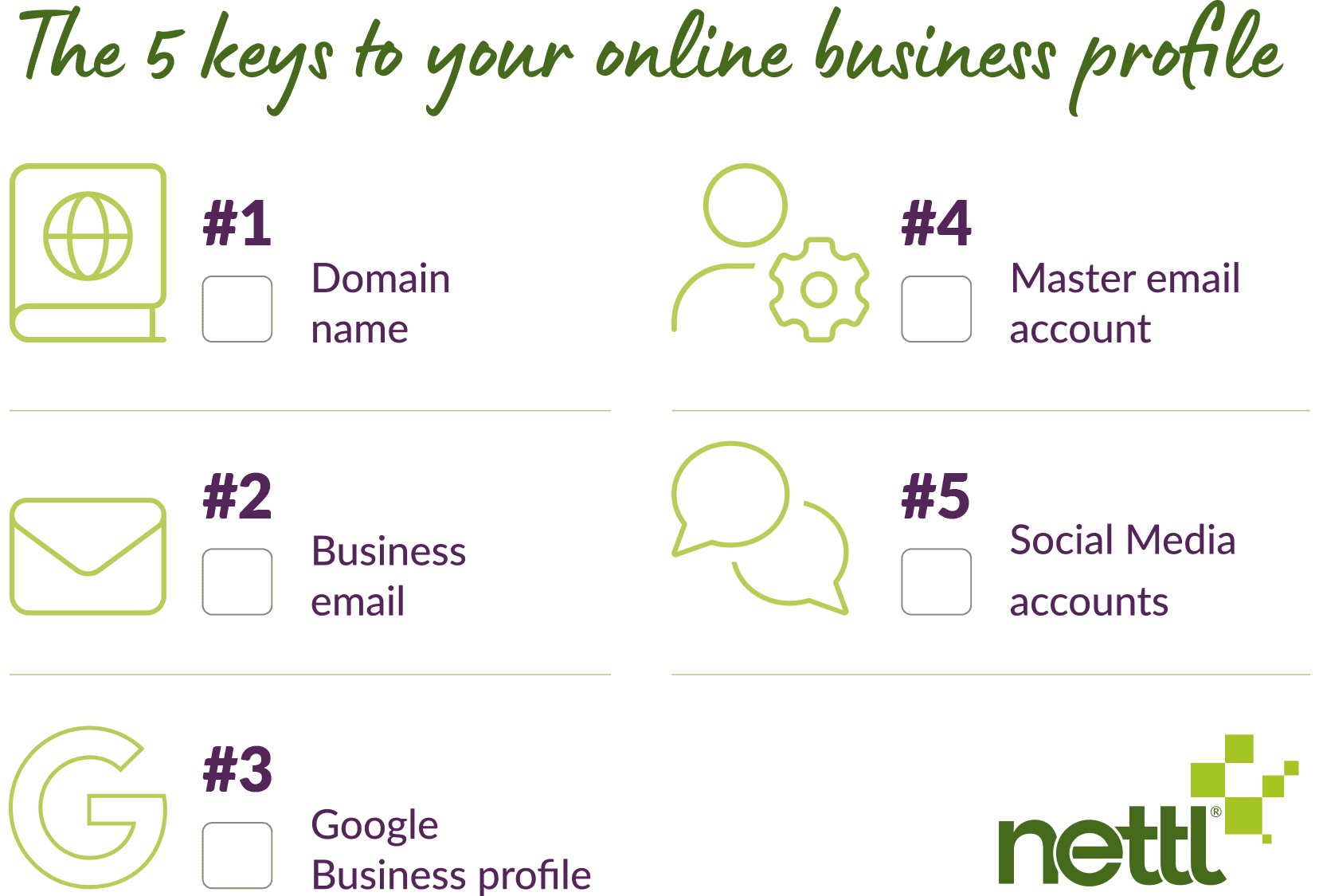
So here they are. Five assets that sit outside your website, what actually goes wrong with each one, and a check you can run today.
Most take about two minutes. Twenty for the lot.

#1 Your domain name
Your domain is the only thing on this list you genuinely cannot replace.
Everything else can be rebuilt. If your domain lapses and somebody else registers it, your website, your email and years of built-up search visibility all leave together.
It happens far more often than you would think, and never for dramatic reasons. Usually it is a card that expired. Or auto-renew switched off years ago by someone who has since left. Or renewal reminders going to an email address nobody reads anymore.
There is a grace period after expiry. After that, the domain goes to auction. And there is a whole industry of people watching for expiring domains that already have traffic.

#2 Business email
This is the one UK businesses genuinely get caught by.
The government’s Cyber Security Breaches Survey for 2025/26 found that 43% of UK businesses reported a breach or attack in the previous twelve months. Phishing was the most common type by a distance, affecting 38% of businesses. Of those hit by anything at all, 69% said phishing was the most disruptive thing that happened to them.
Scaled up, that is around 612,000 UK businesses. Not exotic attacks. Emails.
Invoice fraud runs in two directions, and they need different answers.
Someone pretending to be you:
They email your customer, apologise for the confusion, and supply new bank details. Your customer pays. You never see the money, and you have a difficult phone call ahead of you.
This one is technical, and it is fixable. There are three settings on your domain that make you much harder to impersonate. They are called SPF, DKIM and DMARC. You do not need to understand how they work. You just need to know whether you have them, because a domain without them is far easier to spoof. Most small businesses have none of the three and have never been told they exist.
Someone pretending to be your supplier:
This is the more common one, and it catches out businesses of every size. An invoice arrives from a company you genuinely buy from, and the bank details have changed.
No setting on your domain stops this. Look again at what happened to Google and Facebook. Nothing was hacked and nothing was spoofed. A real company was registered under a plausible name, and it sent real invoices from real email addresses. There is no technical control that catches that.
What catches it is a rule. Bank details never change on the say-so of an email. If a supplier’s details change, you ring them on the number you already had, not the one printed on the invoice.

#3 Your Google Business profile
For a local business, this can sometimes be worth more than the website.
It is what appears in Maps and in local search results, carrying your opening hours, your phone number, your photos and your reviews.
It is also a target. Competitors and scammers can attempt to claim ownership of a profile. Google emails the registered owner when that happens, and that email very often goes to an address nobody monitors.
The reviews are the part that really stings. Years of them, gone.

#4 The account that controls everything
Somewhere there is an email address that can reset the password to almost everything else you own. Your domain. Your hosting. Your website login. Your Google account. Possibly your bank.
That address is the master key.
For a lot of small businesses, it is a personal Gmail account with a password chosen in 2016, which has also been used on nine other websites, at least two of which have since been breached.
The most secure website in the world does not help if someone can log into the email account that controls it.

#5 Your social accounts
The problems here are boring ones. One person has access and they left last year. There is no two factor authentication. The Facebook page is tied to somebody’s personal profile rather than a business account. Nobody can remember the login for the account you set up in 2019 and then abandoned. Business profiles on Meta platforms are notoriously difficult to reclaim.
Plus, abandoned accounts matter more than people expect. If somebody gets into a dormant profile with your name on it, they are posting as you.
It’s more likely that phishing scams are set up in the name of Meta, pretending there is a problem with your page. But this is often just a ploy to get you to enter your login credentials.
Now the honest bit
We sell website care plans. We look after WordPress sites, keep them updated, monitor them, back them up.
A care plan does not do any of the above.
It will not renew a forgotten domain. It will not stop someone spoofing your email address. It will not protect your Google Business Profile, or your social accounts, or the personal Gmail that unlocks the lot.
A locked front door is not much use if the window is open.
The five checks on this page are free, and between them they take about twenty minutes. Do them this week and you will have covered ground most business owners never look at once.
One last thing
If you work through that list and something looks off, or you are not even sure where your domain is registered, just ask. We deal with this daily and we are happy to point you in the right direction, customer or not.
And if you would like to read more about the website side of things, start here.