
Businesses in ChatGPT
approx 6 minute read
Claim your business today (and ignore half the hype)
OpenAI says 1.2 billion people use ChatGPT every week. Since 10 November, your business can claim its own corner of it.
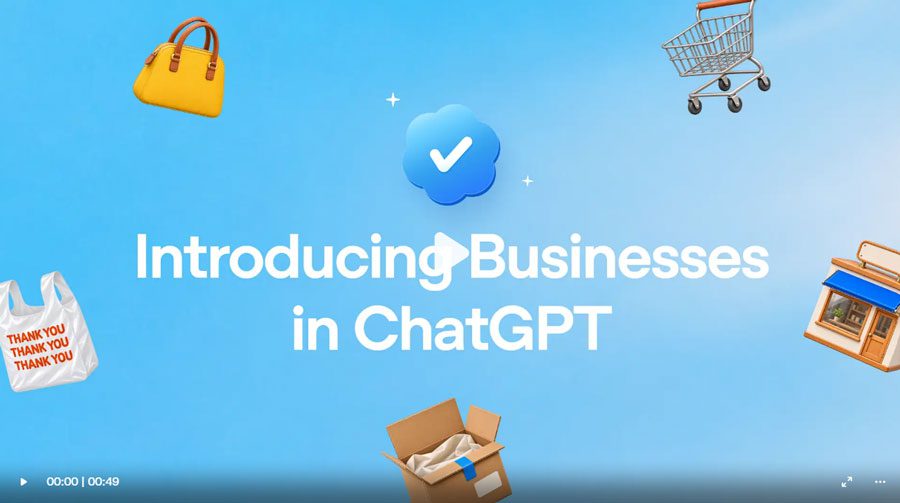
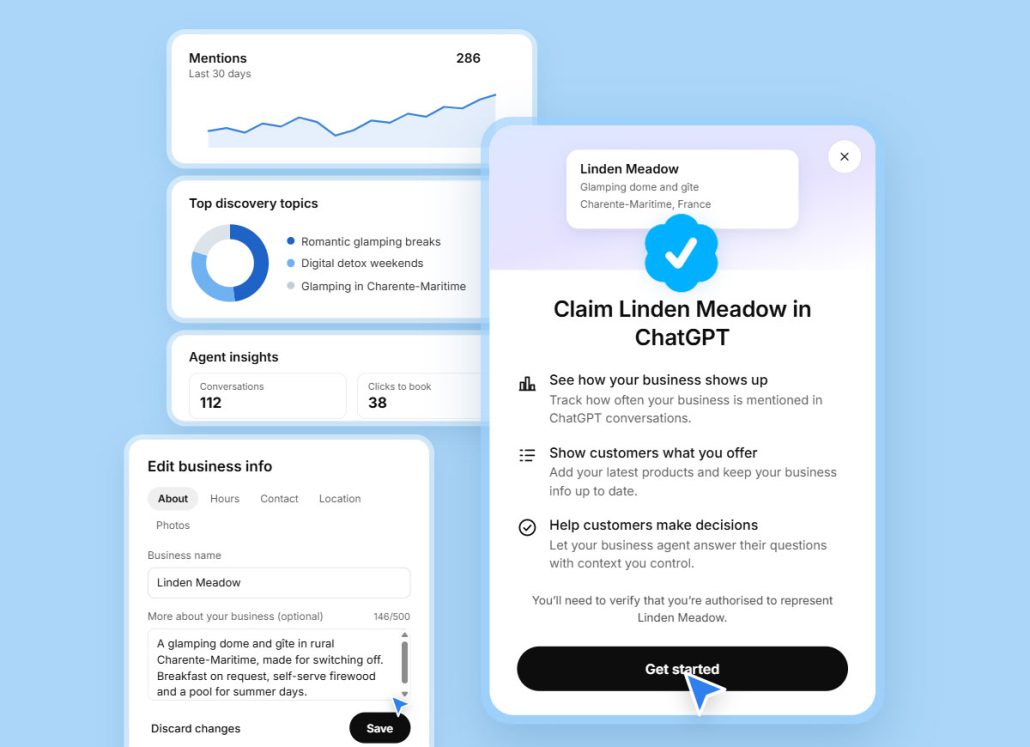
The new feature is called Businesses in ChatGPT, and it’s in beta. You find your business, prove it’s yours, correct the details ChatGPT shows people, and get a dashboard showing how often it mentions you.
Your feeds are probably full of posts about AI sales agents that win customers while you sleep. Read the small print and that part is US-only, for online shops and online services. If you fix boilers, build extensions or file tax returns, it isn’t on the table yet.
The useful part is available now, though. This is the version without the hype: what you can do today, what you can’t, and what decides whether ChatGPT recommends you at all.

Meet Google Business Profile’s new lookalikey
If you’ve claimed a Google Business Profile, you already know the drill.
Google has one, Apple has Business Connect, Bing has Places. Now ChatGPT has its own.
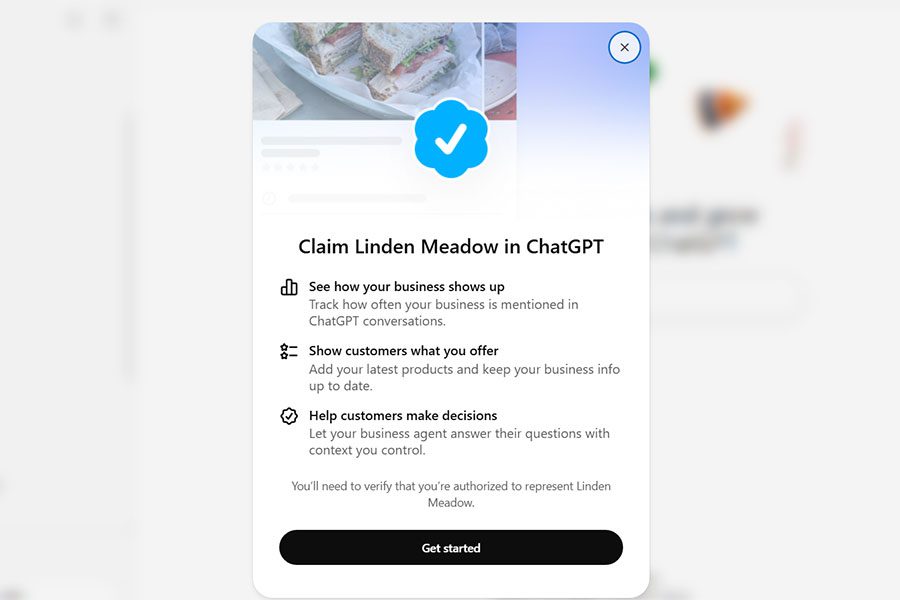
When a business turns up in a ChatGPT answer, people can click through to its profile. Claim yours and you manage what’s on it, and a blue check (a blue tick, as we’d say) shows it’s official.
We’ve seen this kinda thing before. When Google business listings arrived, plenty of owners shrugged. Years later, an out-of-date Google profile is a sad place to be.
ChatGPT profiles are at the shrugging stage right now. Leave yours unclaimed and you’re trusting ChatGPT to get your details right on its own.
Claim it now and you’re the one setting the record straight.
How to claim yours
It’s free at launch, and you don’t need an ads account or an enterprise deal with OpenAI.
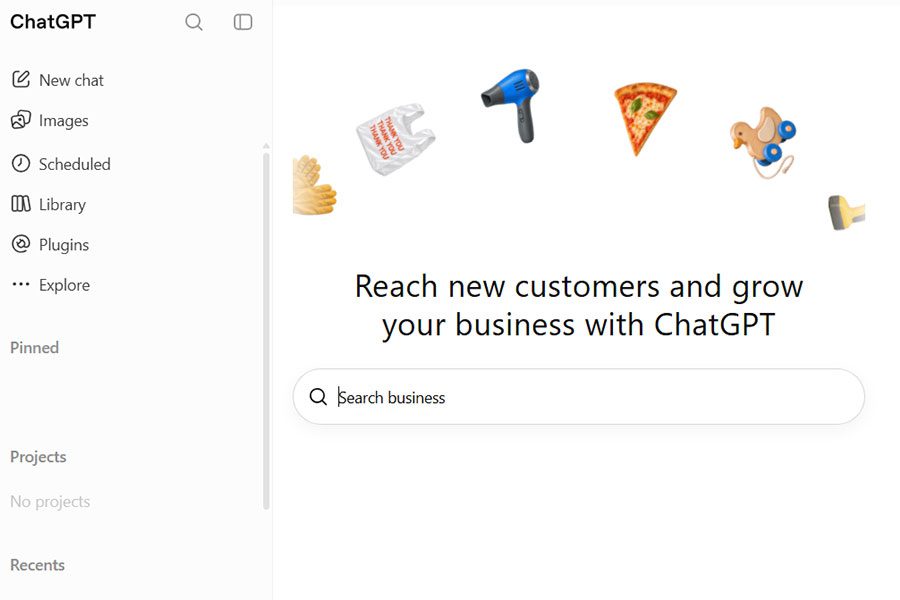
- Find Business Hub. Sign in to ChatGPT and open Business Hub from the sidebar. Not there? Go straight to chatgpt.com/business-hub.
- Search for your business. If ChatGPT already knows you, your listing will be waiting. If it doesn’t, you can add it.
- Prove it’s yours. Depending on your business, you’ll be offered a call or text to your business number, a business email, or a code to add to your website’s DNS. If “add a TXT record to your DNS” sounds like a job for a forensics team, take the phone option. OpenAI then reviews the claim and emails you its decision.
- Prove you’re you. Before you can edit anything or see your insights, you’ll verify your identity with government ID.
- Check the details. Name, address, phone number, opening hours, website and description should match your website and Google profile exactly. Use your real business name, the one on your van and your invoices, not a keyword-stuffed version.
The part everyone’s hungry for: the numbers
If a customer has ever told you “I found you on ChatGPT”, you’ll know the feeling. Delighted, a bit baffled, and with no idea how often it happens.
Google gives you Search Console and profile insights. Until now, ChatGPT gave you nothing.
Business Hub’s Insights dashboard covers the past 28 days and shows:
- Mentions: how often ChatGPT brings up your business
- Profile views: how many people opened your ChatGPT profile
- Website clicks: how many clicked through to your site
- Discovery topics: the common themes in answers that mentioned or cited you
That last one is the gem. It shows what people were asking about when you came up, which tells you what ChatGPT thinks you’re known for. If you’re a builder chasing loft conversions and ChatGPT only mentions you for patio repairs, now you’ll know.
The figures are aggregated, and OpenAI says it doesn’t share anyone’s conversations with businesses. Numbers only appear above a reporting threshold, so a quiet profile will show a quiet dashboard.
For most small businesses, this is the first real evidence of whether AI recommends them at all. Worth knowing before your competitors do.
ChatGPT’s AI sales agent is US-only (for now)
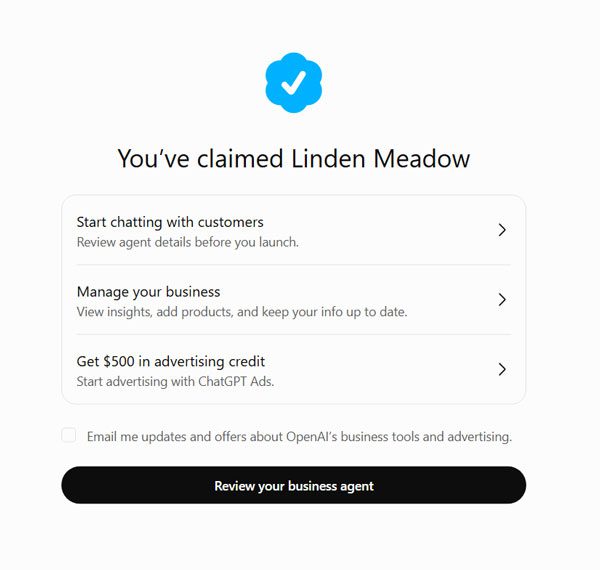
The headline grabber is the Business Agent: a chat assistant on your ChatGPT profile that answers customer questions using information you supply, within rules you set.
Right now it’s open to eligible ecommerce and online service businesses in the US, and only in the industries OpenAI’s policy allows.
That’s no great loss for now. An agent can only work with the information you give it, so a complete, accurate profile today is the groundwork for the day it arrives here.
Keep an eye on the ads, too. In the US, businesses can already pay to send ChatGPT ads to their agent, and OpenAI labels those ads and keeps them separate from ChatGPT’s own answers.
Google’s agent has already crossed the Atlantic
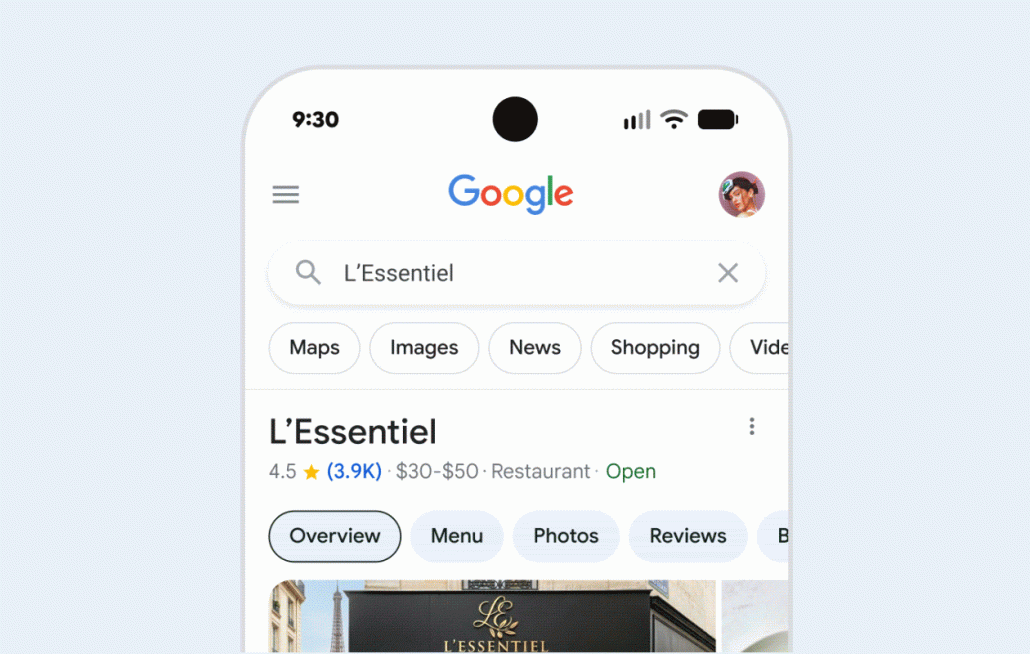
ChatGPT’s agent is stuck in the US for now. Google’s isn’t. A restaurant we know got its invitation this week: early access, at no cost, to an AI agent on its Business Profile in Search and Maps.
A customer taps Message on your profile and the agent replies in their phone’s own messaging app. It handles the routine questions, like what’s on the menu or whether there’s a table for Saturday, and passes anything tricky to you. You can watch the chats live and take over with one click.
The catches:
- It’s an invite-only pilot, and so far the invitations have mostly gone to restaurants.
- It only works for customers whose phone and network support RCS, the newer texting standard. Everyone else’s texts go straight to your phone.
- Google hasn’t announced a date for a wider rollout.
The part that matters for everyone is where the agent gets its answers: your Business Profile and your website.
Google switched off its old Business Profile chat in 2024, and now it’s coming back with a robot on reception.
That robot is only as good as the information you give it, so wrong opening hours mean an AI cheerfully telling customers you’re open when you’re not.
The small print that settles an argument
Some people will tell you websites are finished, because AI answers everything now. But what do they know?
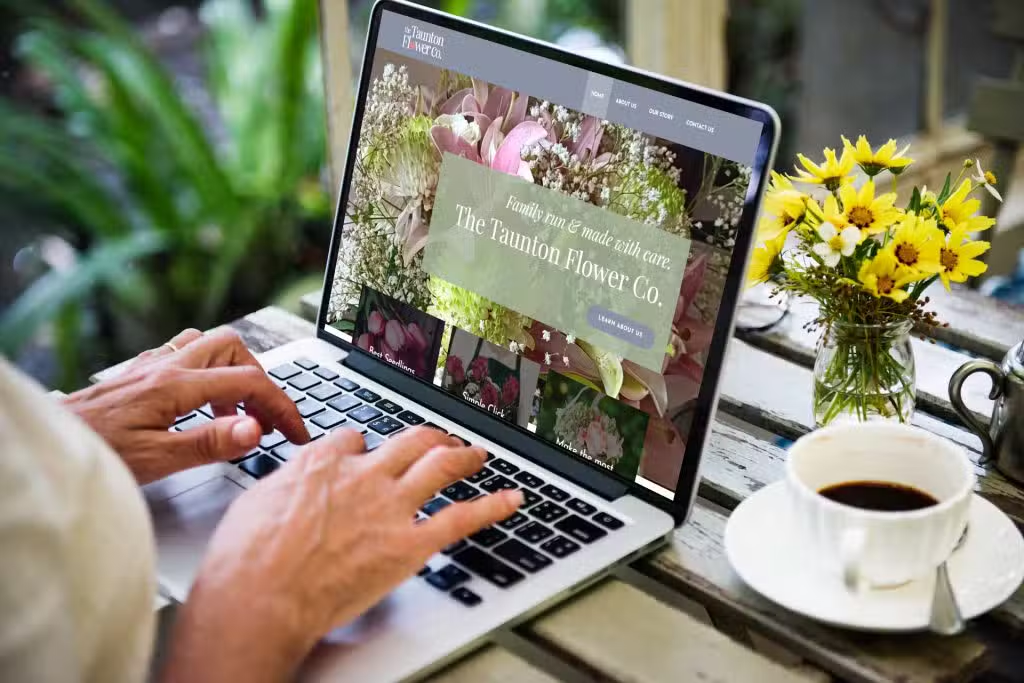
Even the AI wants to see one for credibility: OpenAI says claiming is initially open to eligible businesses with a website.
The company with the most to gain from AI answers has made a website the price of entry. We’ll take that as a vote of confidence.
Your website is the one place online where you control every word. When ChatGPT goes looking for what you do, where you do it and why anyone should pick you, that’s the best source it has.
A blue check won’t make ChatGPT pick you
Claiming gives you control of your details. It doesn’t buy you a better answer.
OpenAI is upfront about this. ChatGPT keeps making its own recommendations, claiming doesn’t guarantee higher placement or more sales, and ChatGPT can draw on other sources when it answers questions about you.
Think of ChatGPT as the friend everyone asks for a recommendation. That friend doesn’t pick whoever wears the shiniest badge. They pick the name they keep hearing good things about.
So the work that gets you recommended happens everywhere else:
- Your website spells out what you do, where you do it and who it’s for, with a page for each service rather than one page that says you do everything.
- Your details match across your website, Google profile, directories and now ChatGPT. Same name, address and number, everywhere.
- Your reviews keep coming, and they mention the work you want more of.
- Other sites mention you: trade bodies, local directories, suppliers, local press.
- That’s what AI SEO is for: closing the gap between being listed and being recommended.

Want a hand?
Claiming is simple when your details are in order. If they’re scattered across old directories, or the DNS bit made your eyes glaze over, talk to your local Nettl studio. We can help you:
- Claim your profile and get through both checks
- Tidy your name, address and number so they match across your website, Google profile and directories
- Build a website that tells ChatGPT exactly what you do and where you do it
- Give ChatGPT more reasons to recommend you, with our AI SEO packages
Once your claim is approved, you can give your studio access through Business Hub. No password swapping, and you stay in control.
Further reading
- AI SEO explained
- Google Business Profile: the DIY guide
- Introducing Businesses in ChatGPT, OpenAI’s announcement
- Setting up your business on ChatGPT, OpenAI’s step-by-step guide