Creating your own subscriptions
Instead of client’s ordering a subscription online, you can create a subscription in your WooCommerce back office.
To do this head to WooCommerce > Subscriptions > Create
Make sure to
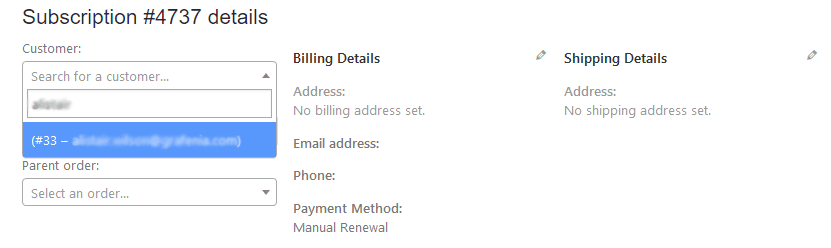
- Add a customer
- Check the subscription frequency (whether it’s every month, every quarter, every week)
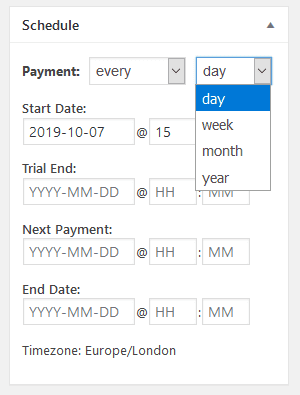
- Change the start date, next payment date (often the same as the start date), and end date to the terms agreed with the customer
- Add a item (you’ll be asked to add a product, you can add any product and change the price of this specific subscription to what you need, but it is usually best to use the subscription product as the product used shows up in future emails to the client)
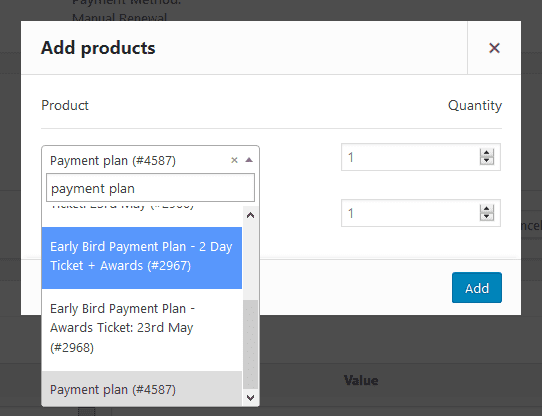
When you add an item it’ll load the default pricing, but you can edit this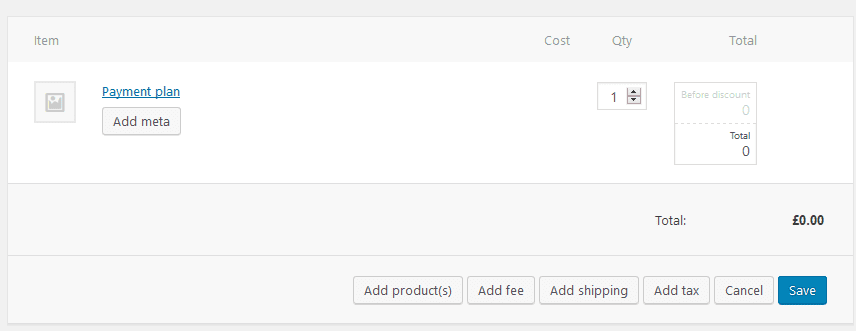
After you’ve added the product and checked the timings, set the status to live
Configuring automatic payments
By default your subscriptions will be set up as Manual Payments
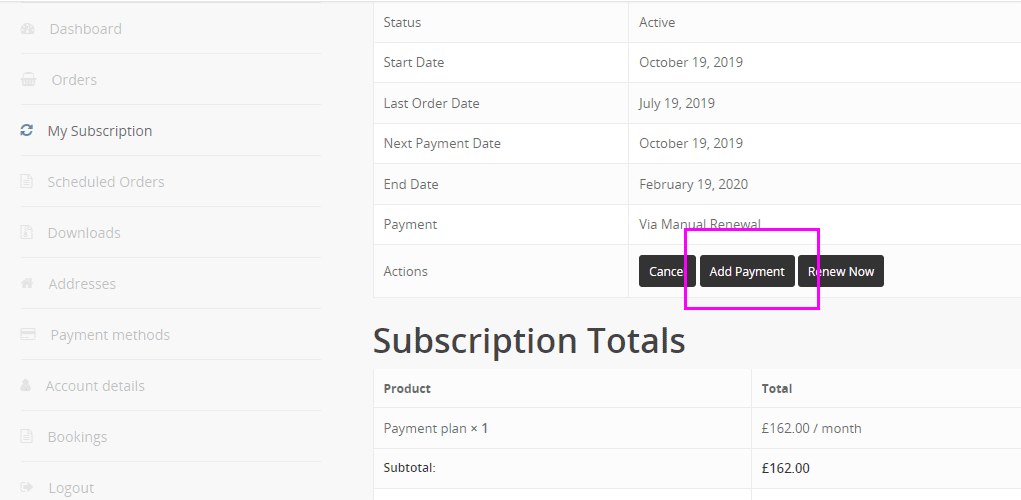
You can then ask your customer to login and Add Payment to set up ongoing automated payments (with Stripe)